New · Just Run
Treadmill
Smart Speed
Your treadmill already knows how fast you’re running. This tells Zwift — no foot pod, no calibration, no sensor taped to your shoe.
Download on the App Store Get it on Google Play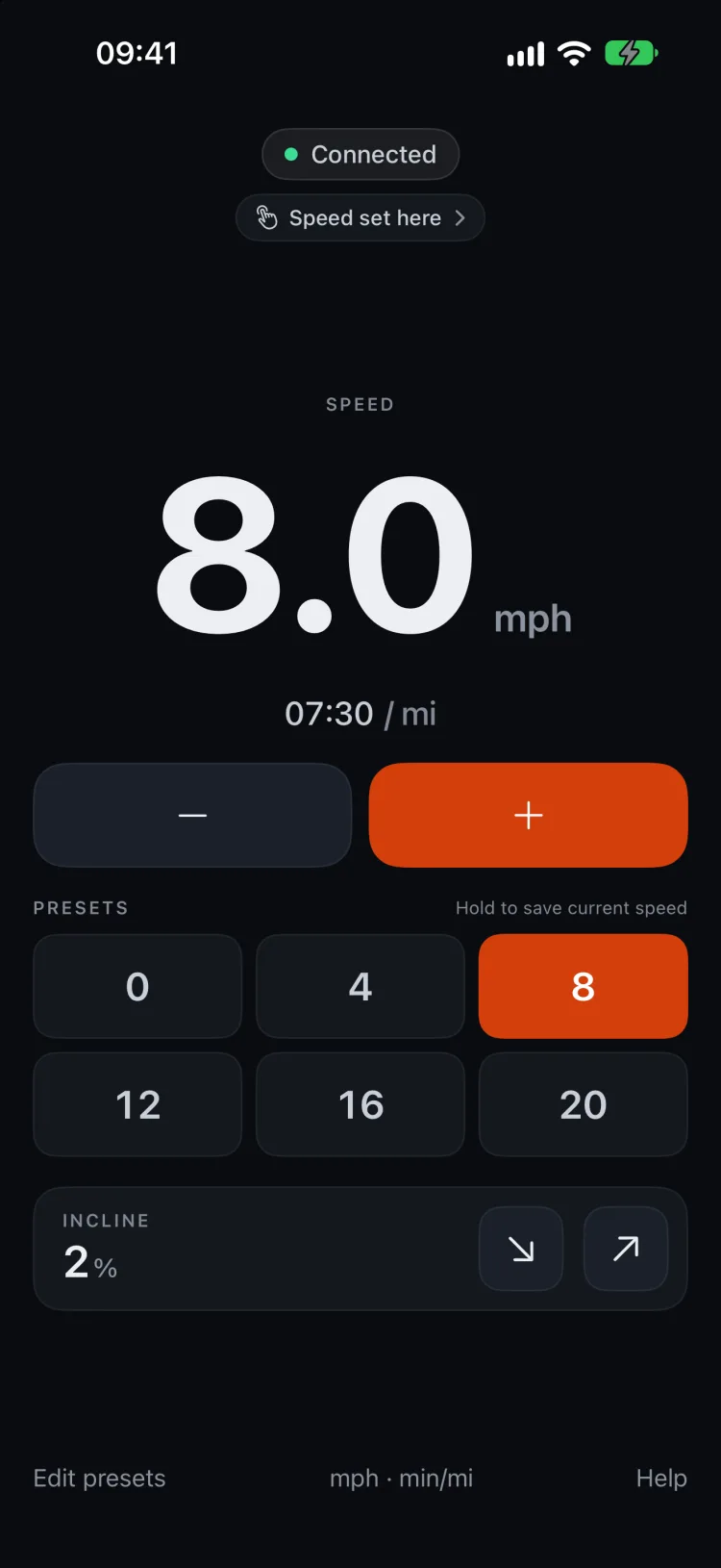
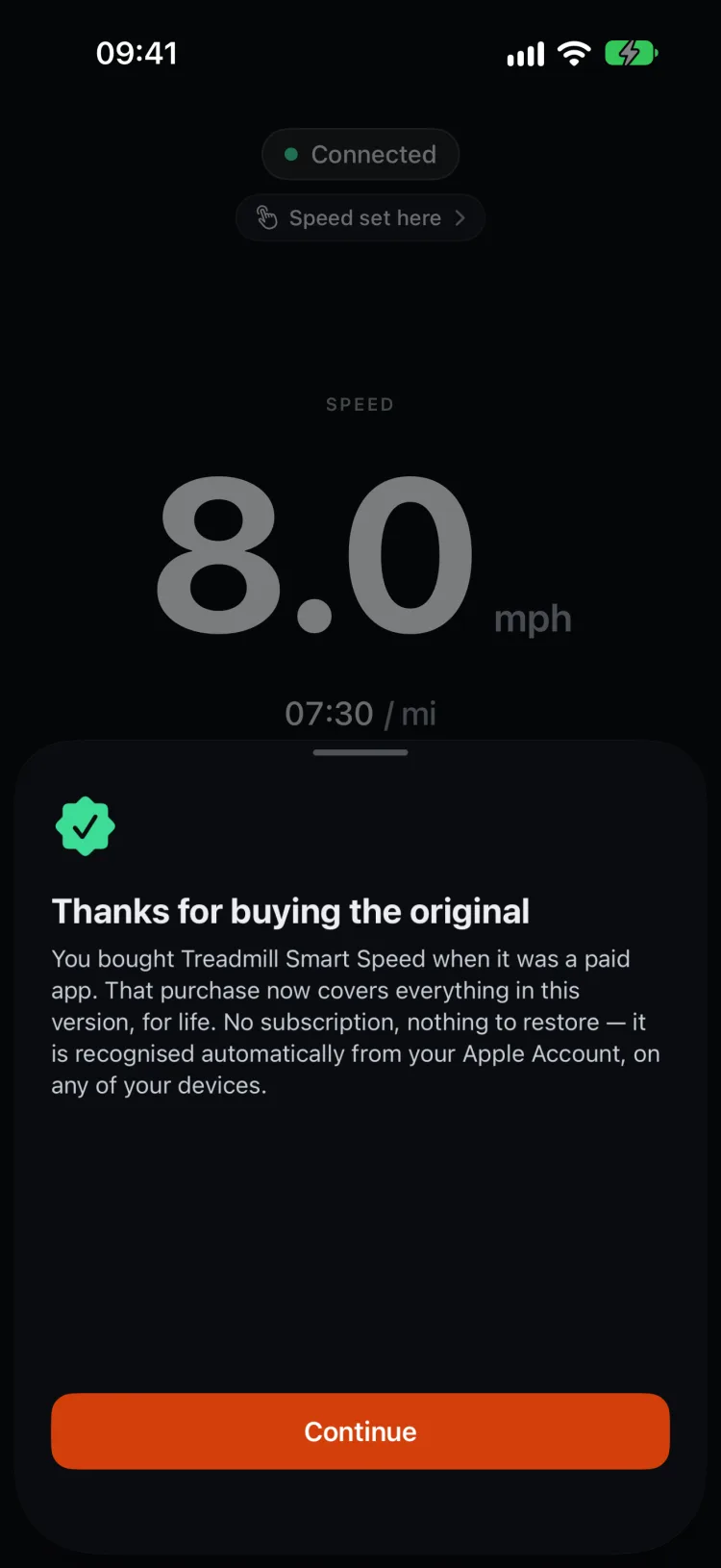
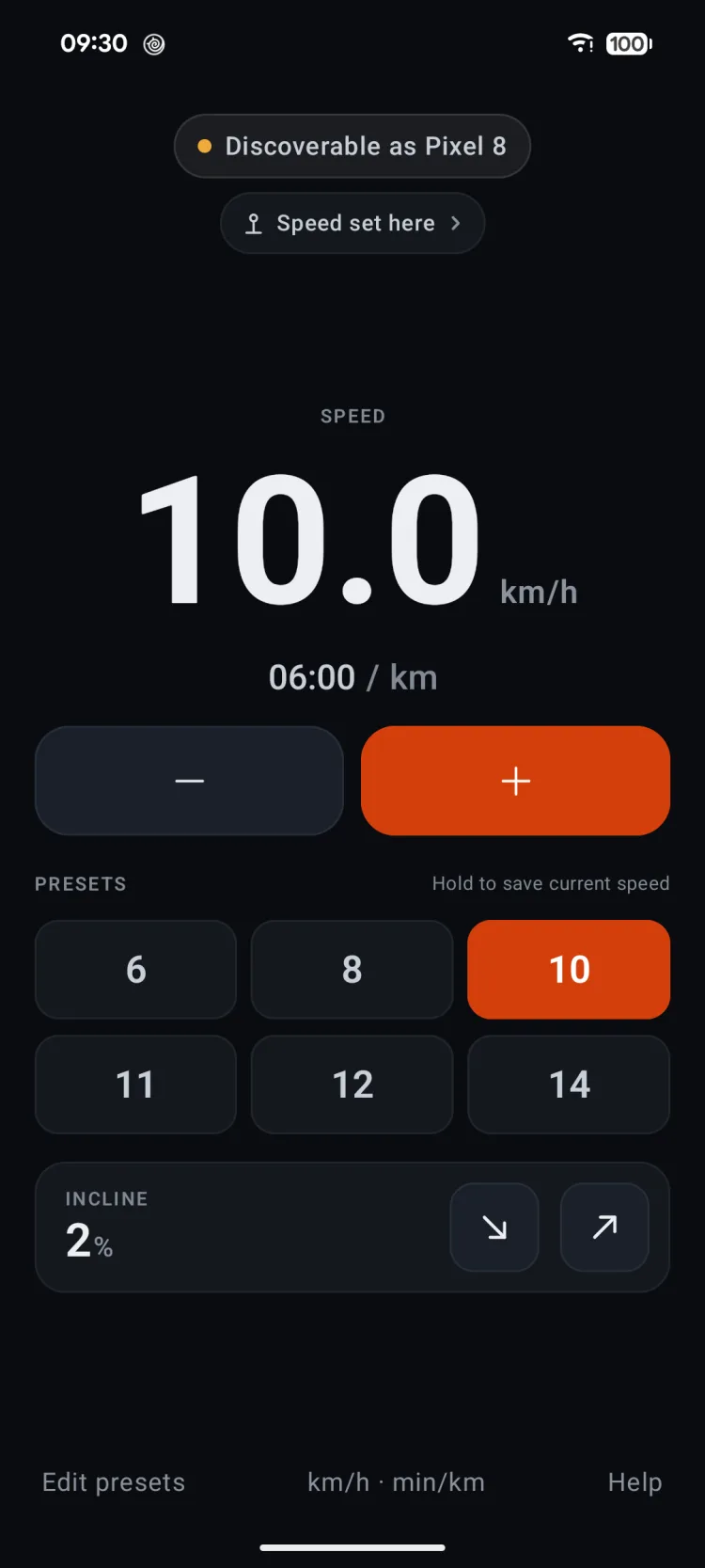
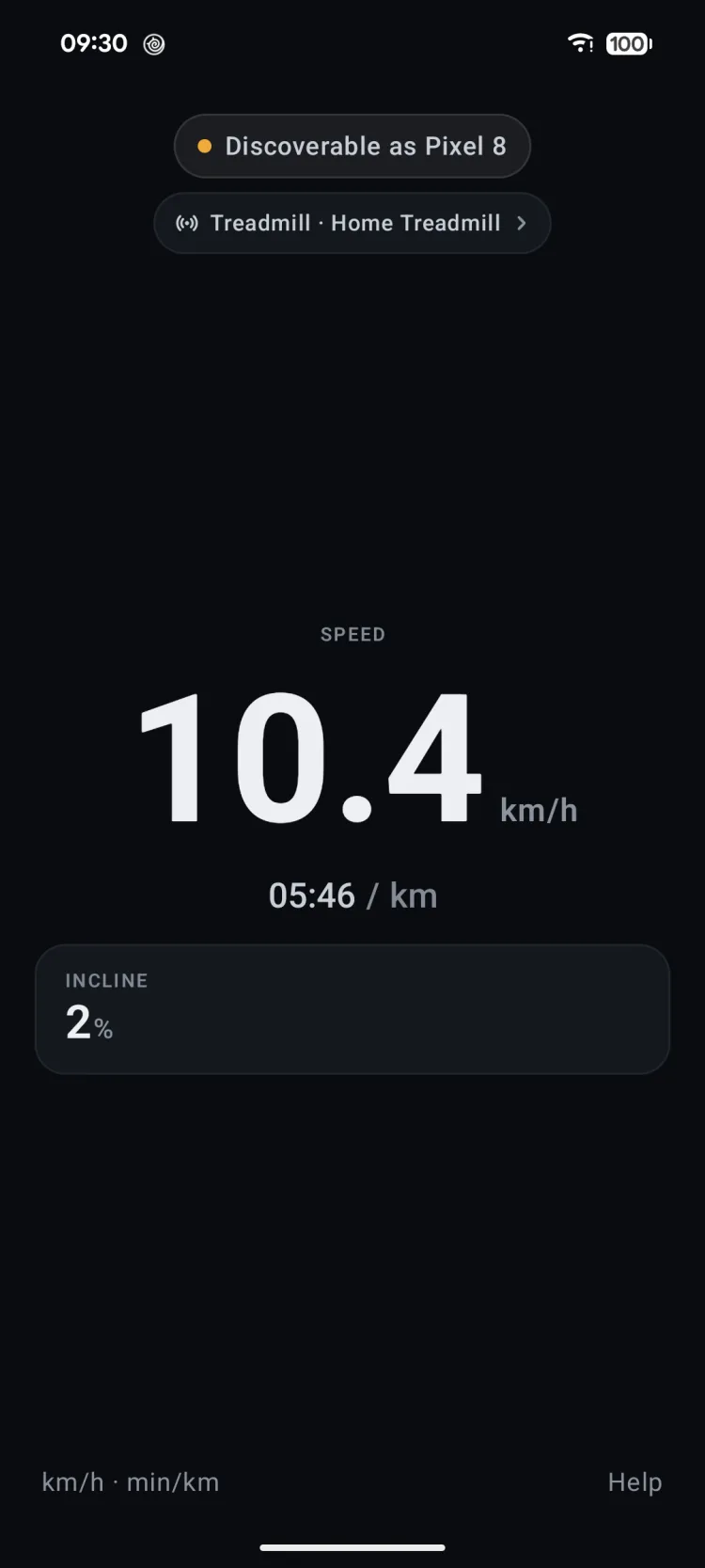
Set your speed, and Zwift sees it
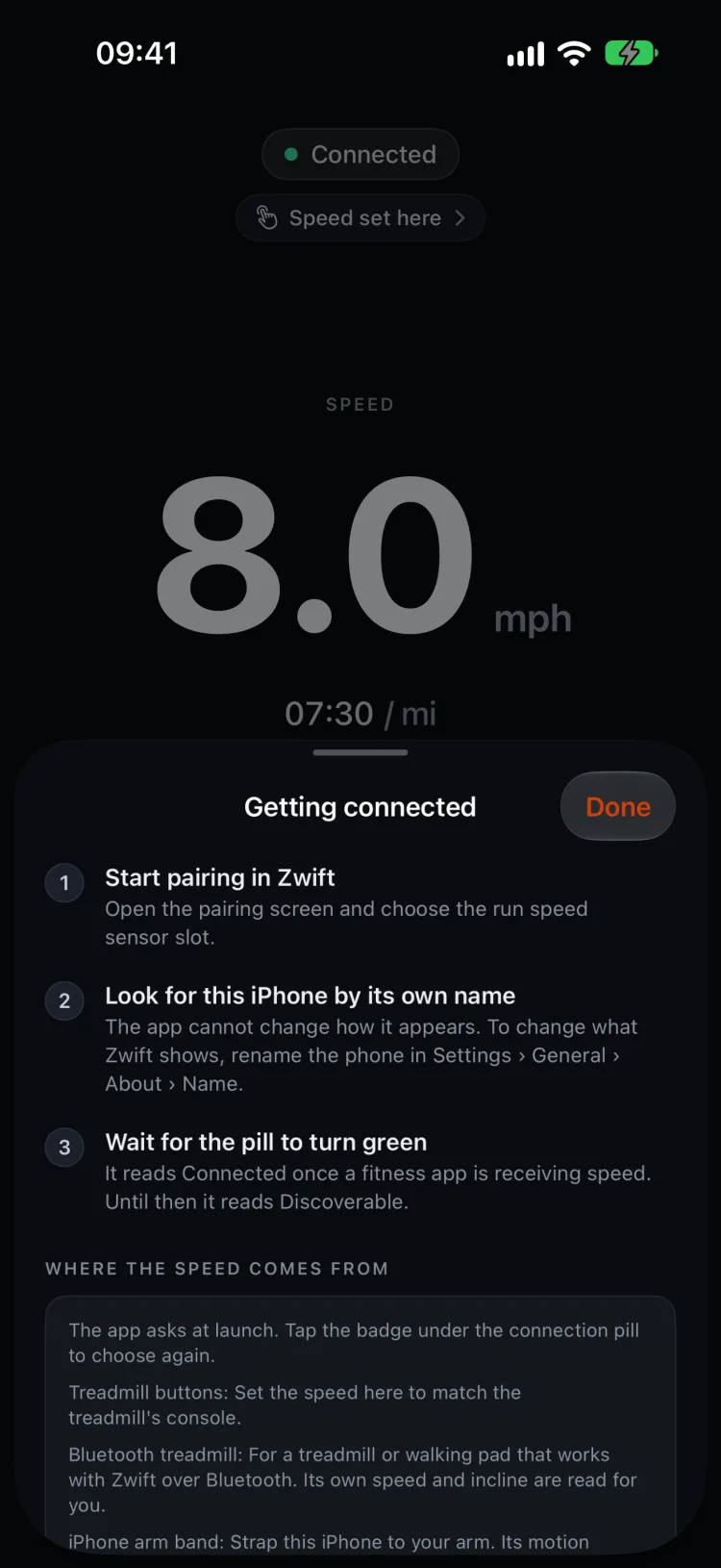
Treadmill Smart Speed sends your running speed to any app that reads a standard Bluetooth foot pod. It speaks the same protocol the expensive sensors do, so as far as Zwift is concerned you are wearing one.
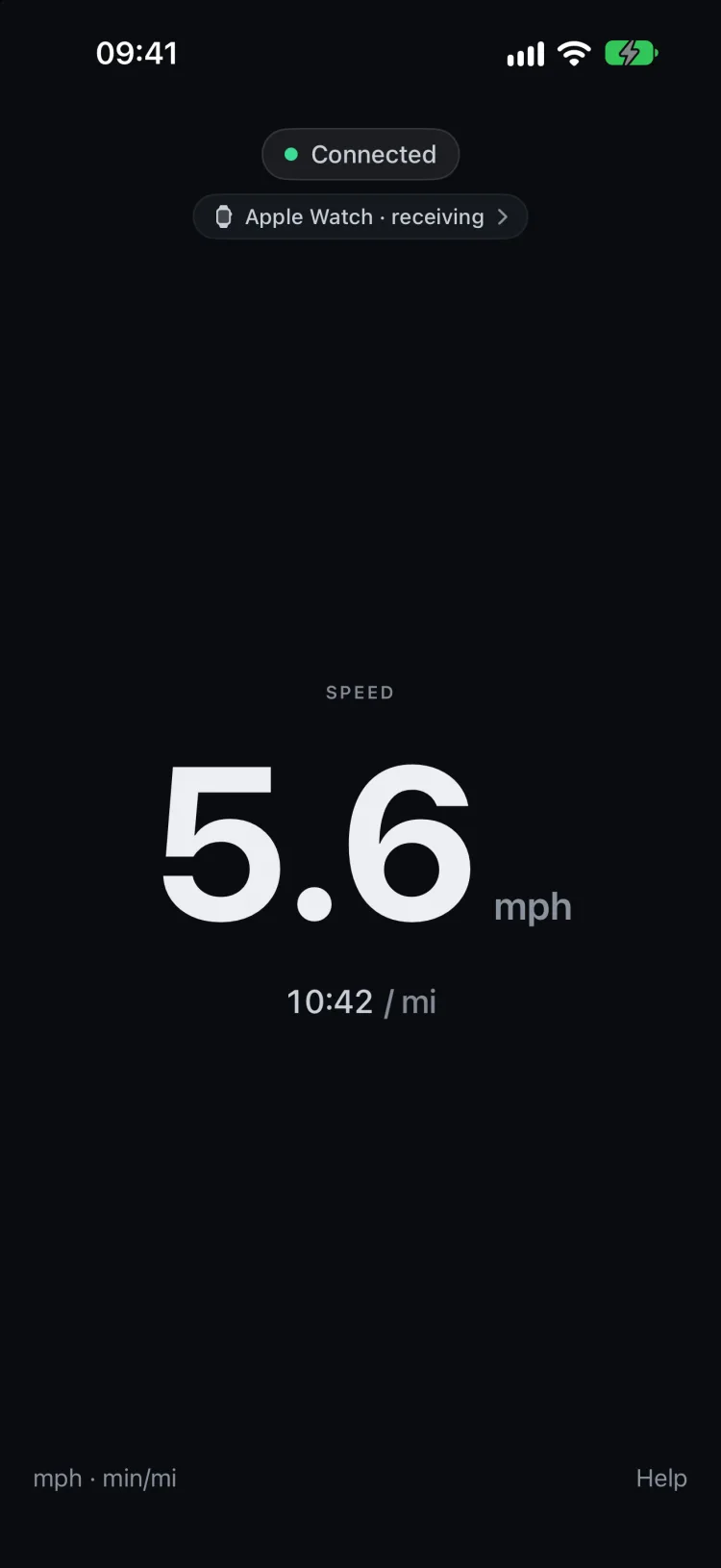
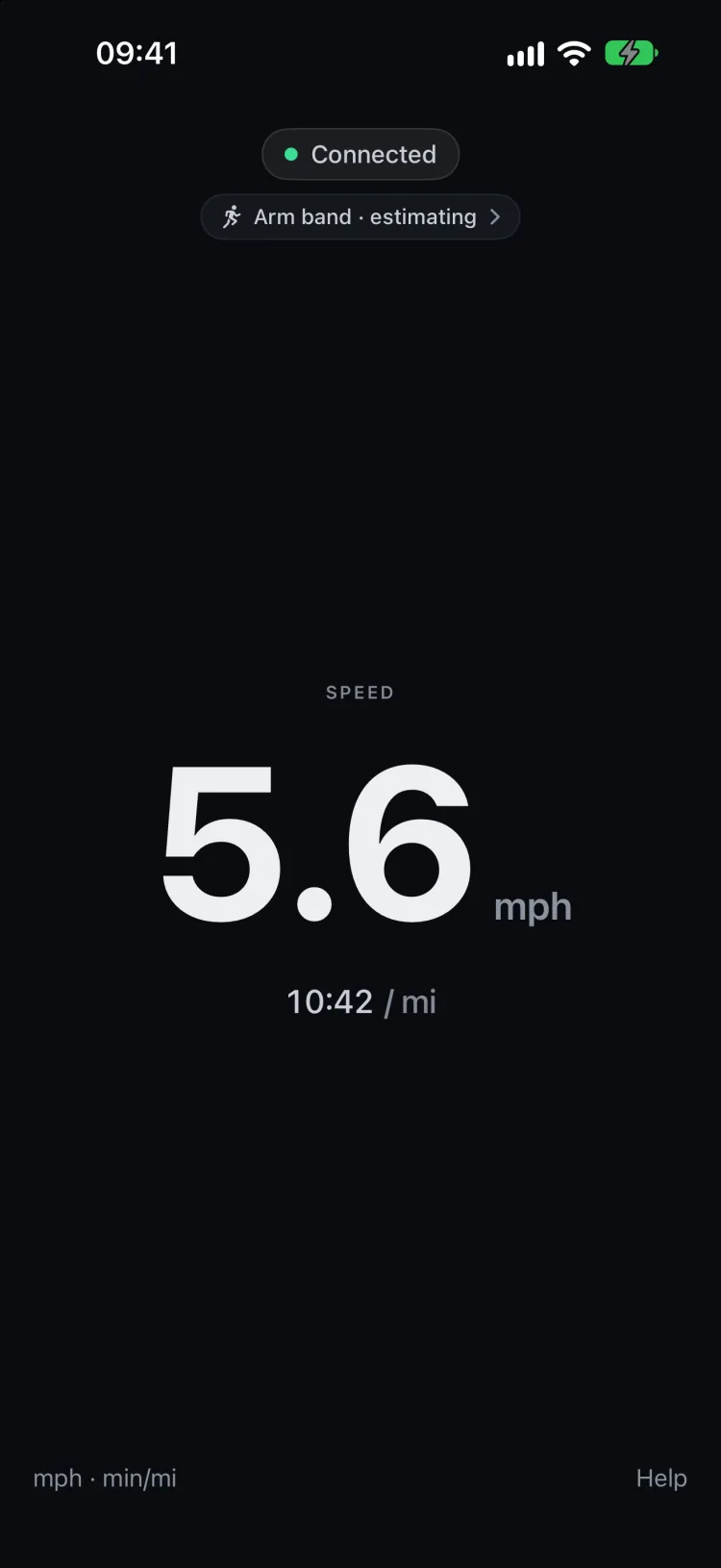
Give it your speed by hand to match the treadmill, which is the most accurate, or let it read a treadmill that already talks Bluetooth. On iPhone, the phone’s motion sensor or an Apple Watch can estimate it instead, which saves you a step at the cost of some precision.
It also broadcasts incline, which Zwift picks up when the gradient is above zero. On iPhone, the Apple Watch app sends your heart rate to Zwift too.
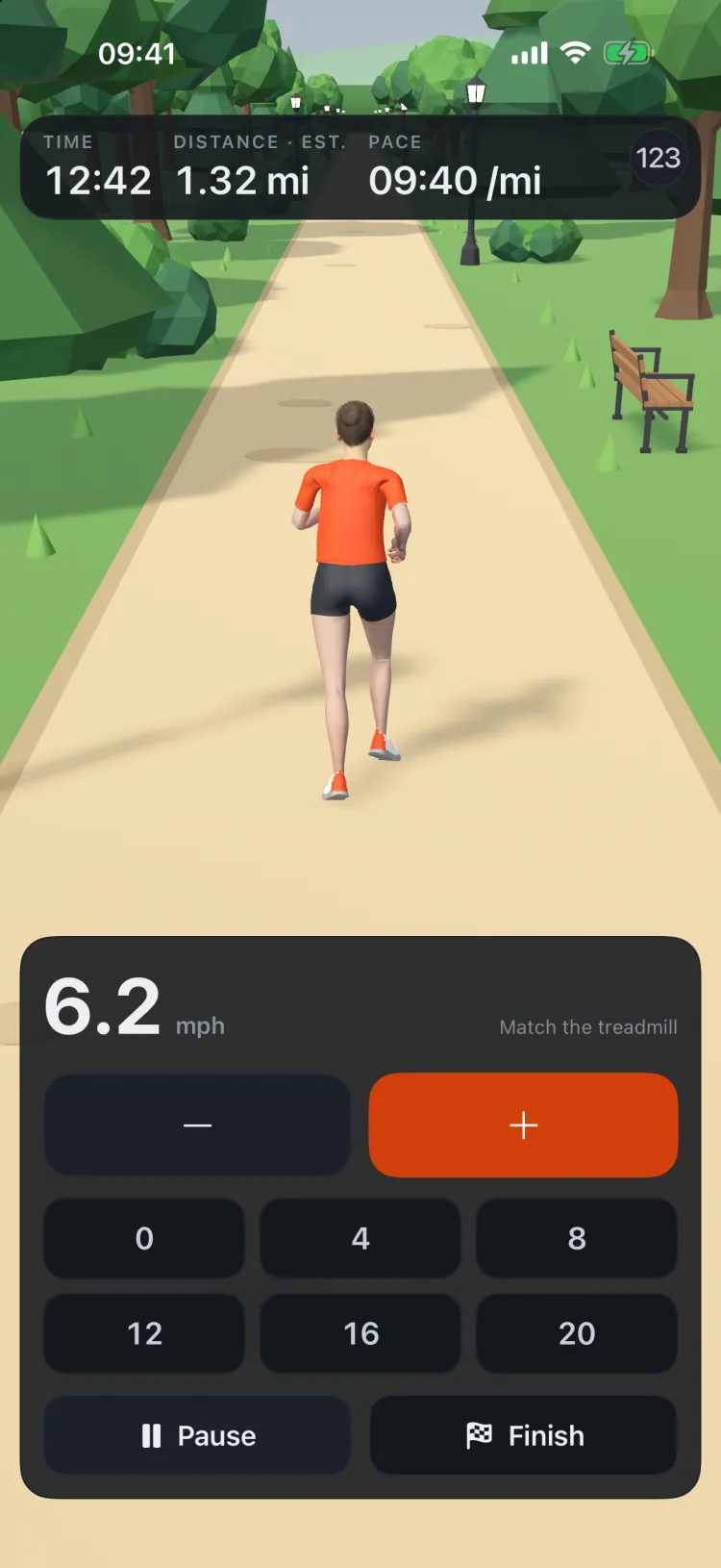
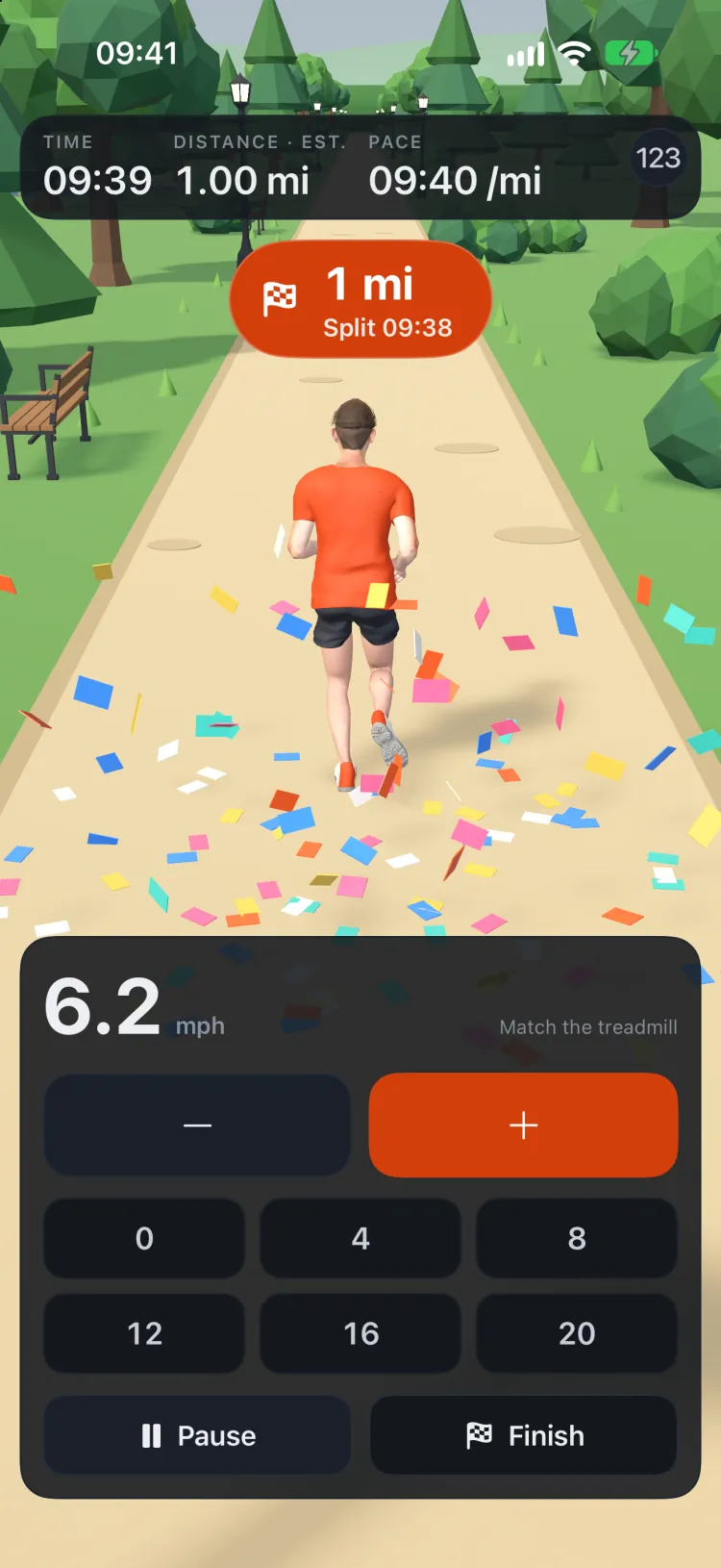
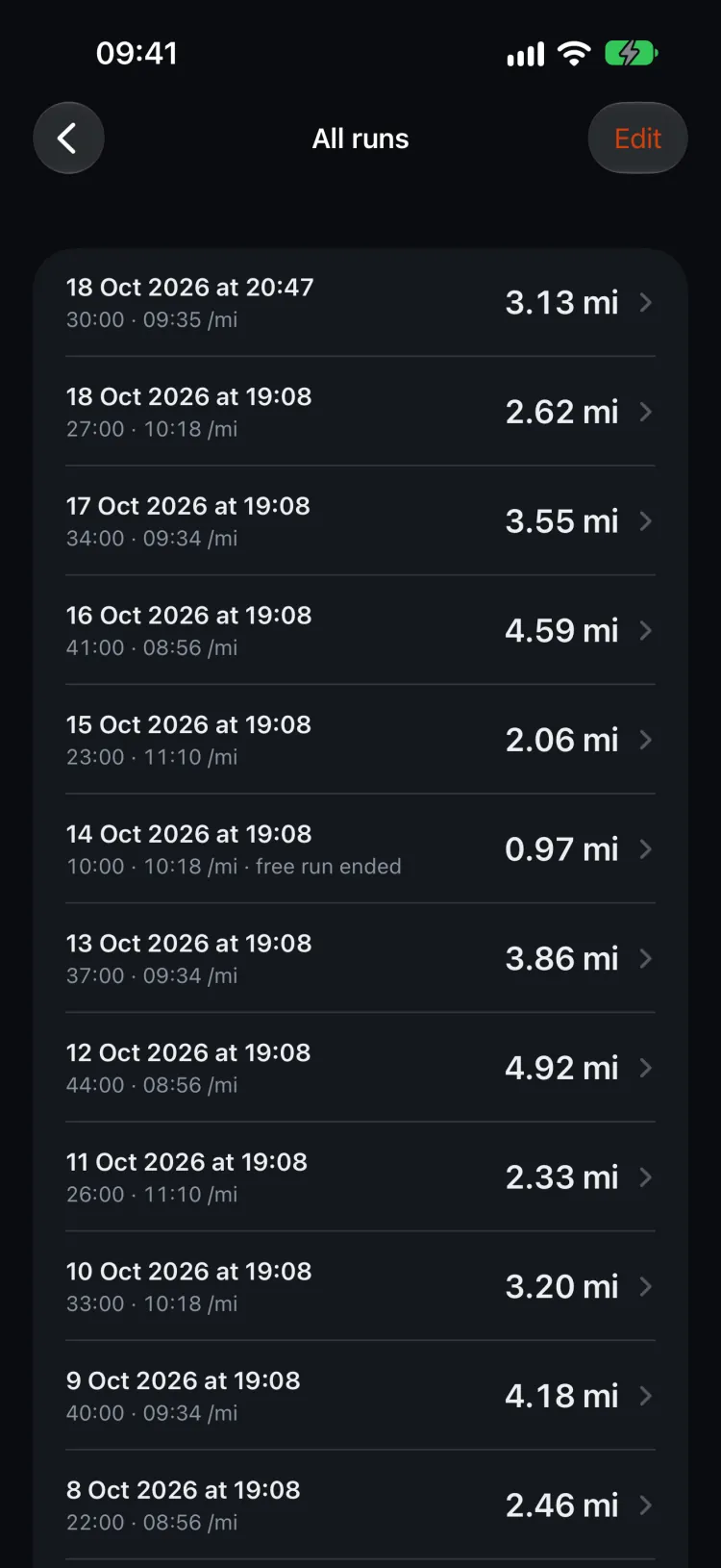
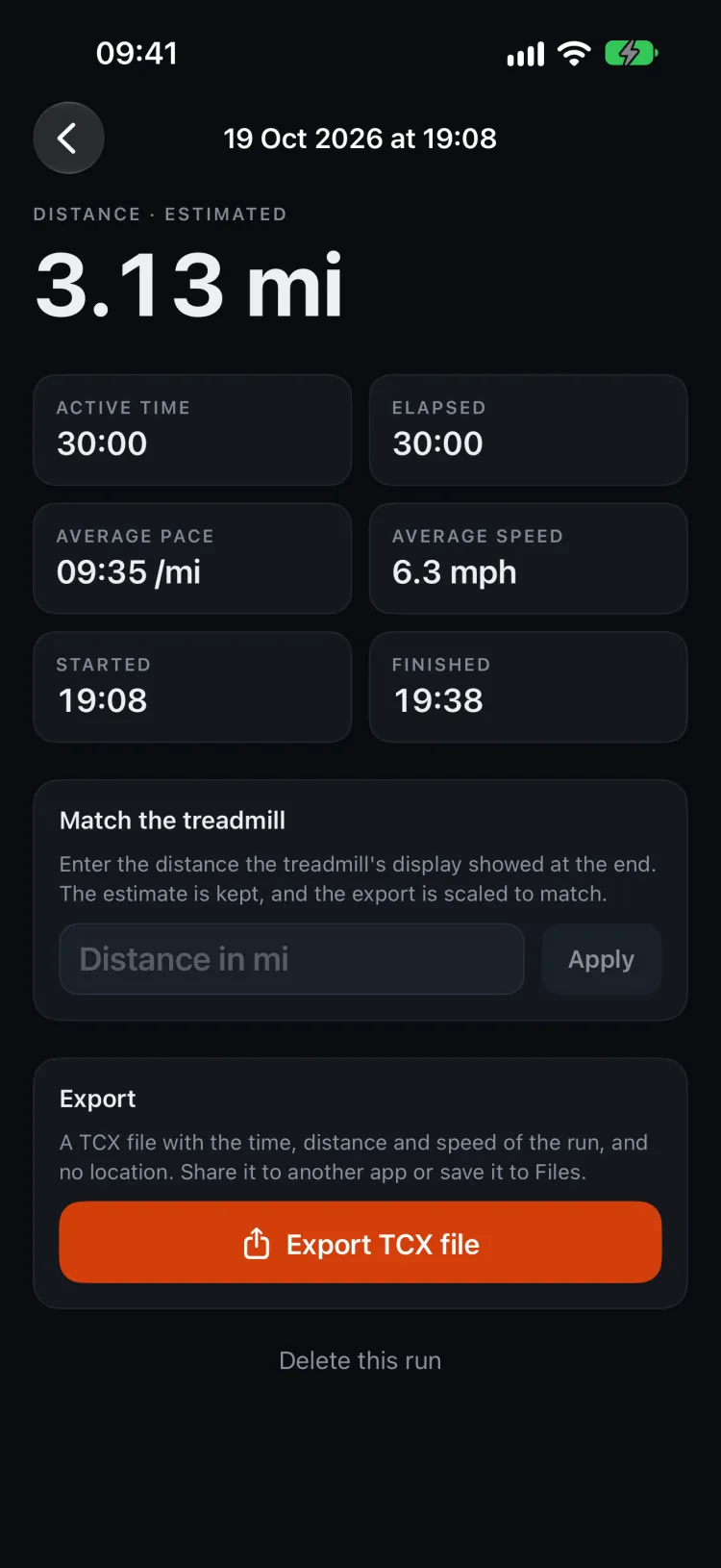
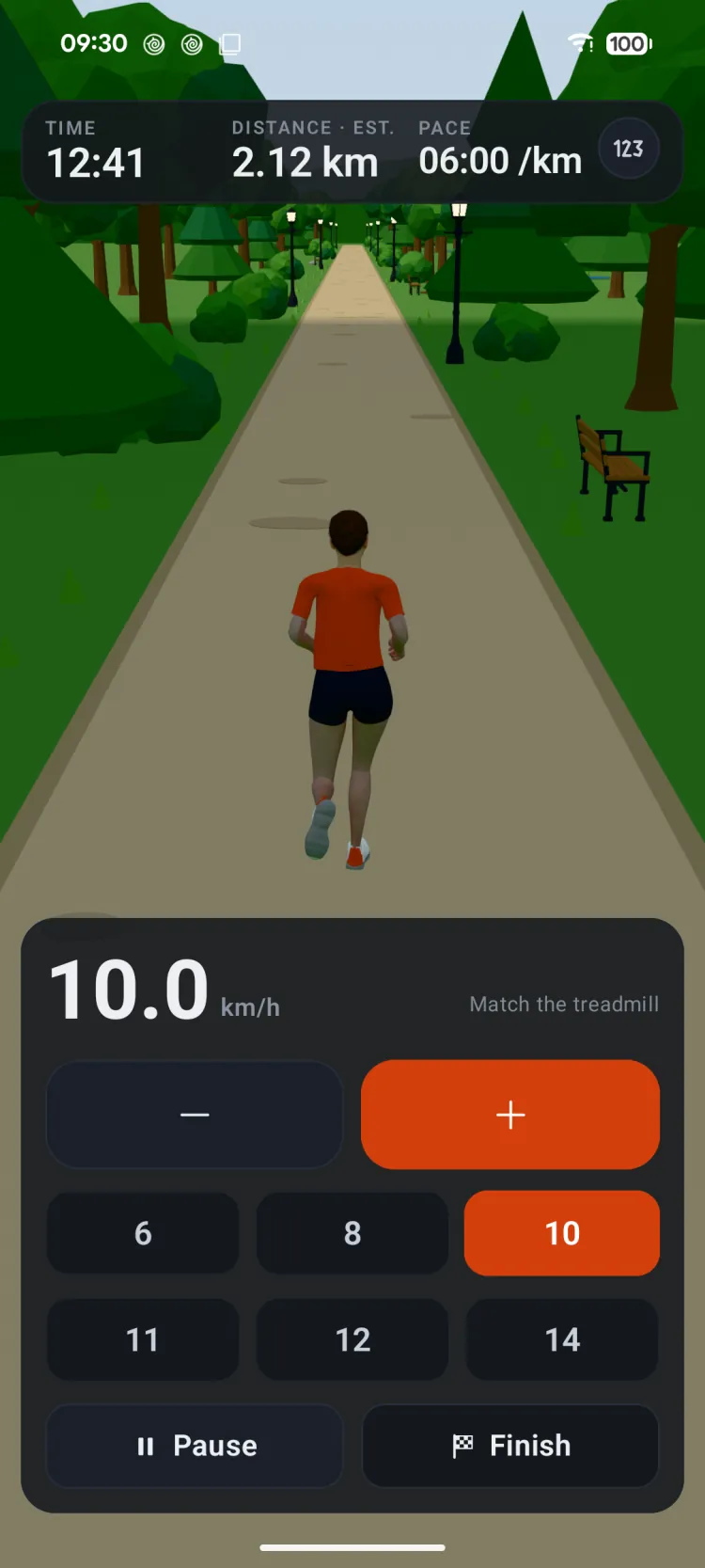
No app to send the speed to? Just Run, the last choice on the speed source list, records the run on the phone alone. Set the speed to match the treadmill and run through a 3D park, as a man or a woman, with a gate, your split and a burst of confetti at every kilometre or mile. The last 50 runs are kept on the phone with their time, distance and pace. The distance is worked out from the speed you set, so you can match it to the treadmill’s display afterwards, then export the run as a TCX file to share or save.
Setting it up with Zwift
- Open Treadmill Smart Speed on your phone.
- Start Zwift on your other device.
- In Zwift, go to the run pairing screen.
- Pair with your phone. Zwift lists it under the phone’s own Bluetooth name, not the app’s.
- Start running.
- Match the speed in the app to your treadmill’s speed.
- PlatformiPhone and Android phones, with an Apple Watch app. The iPhone app runs on iPad, but is not designed for it.
- RequiresiOS 17.0 or later
- Apple Watch requireswatchOS 9.0 or later
- Android requiresAndroid 14 or later
- Works withZwift, and anything that reads a Bluetooth foot pod
- Just RunRecords a treadmill run on the phone alone, with nothing to connect. Keeps the last 50 runs and exports them as TCX files.
- AccountNone. There is no sign-in.
- StatusLive
Support for Treadmill Smart Speed is one email address, answered by the person who wrote the app.
Email support
TKD Guide
The TAGB syllabus — patterns, theory and Korean terminology — organised by belt.
Live →
TKD Quiz
251 TAGB grading questions, white belt to red belt black tag, scored per grade.
Live →
Up the Ranks
Practice questions for the police sergeants’ and inspectors’ legal exams, answered in the law’s own words.
Live · iPhone soon →